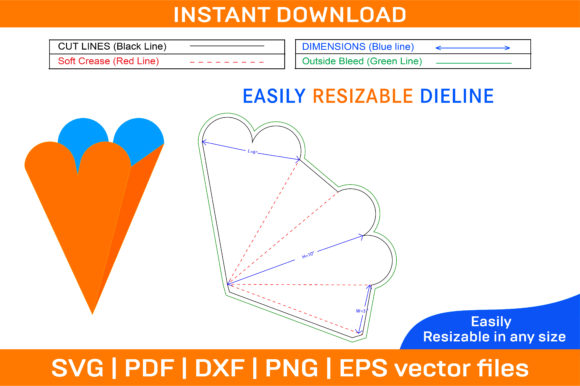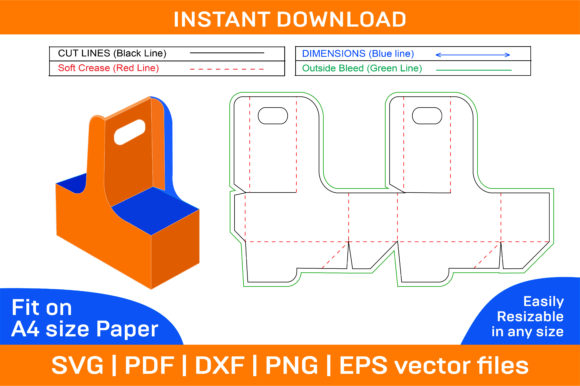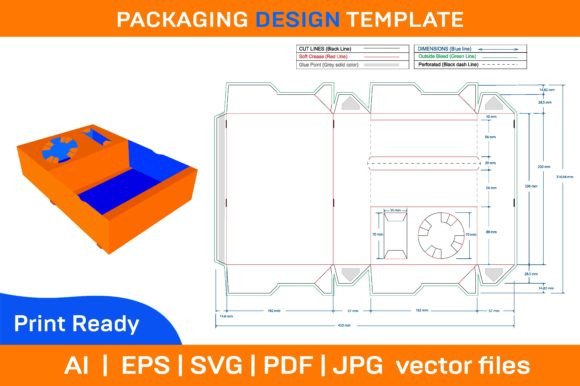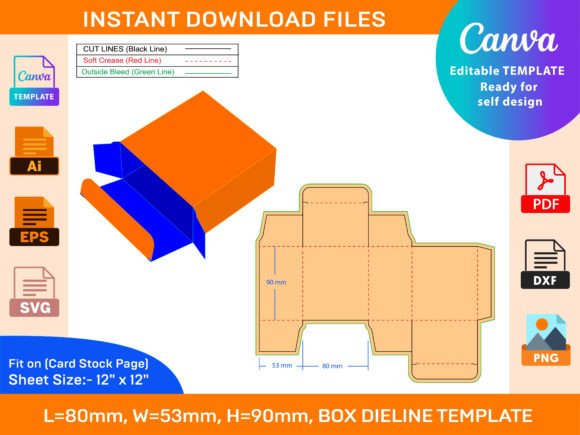
Mailer Shipping Box Dieline Template
In the evolving landscape of e-commerce and small business logistics, packaging is no longer just a functional necessity; it is a critical component of brand identity and customer experience. For entrepreneurs, designers, and hobbyists looking to move away from generic brown cardboard, the Mailer Shipping Box Dieline Template offers a structured pathway to professional-grade custom packaging. This resource provides the technical blueprint required to create foldable, durable, and aesthetically pleasing mailer boxes that can be printed on demand.
This article evaluates the utility, versatility, and practical applications of dieline templates for mailer shipping boxes. By examining the file formats, compatibility, and design flexibility offered by these digital assets, readers can determine whether this solution aligns with their specific production goals and budget constraints.
Understanding the Mailer Shipping Box Dieline Template
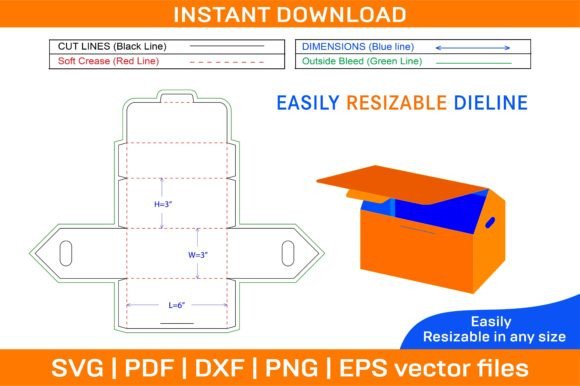
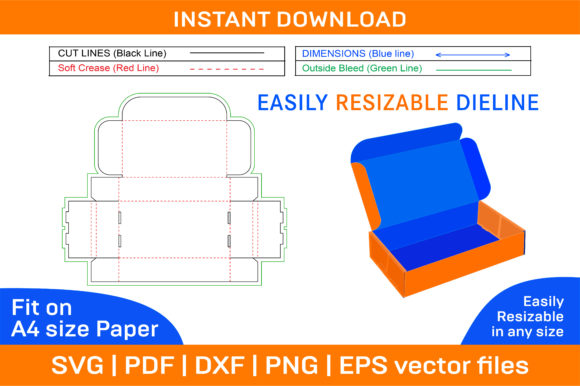
A dieline is essentially a flat layout or template that shows where a box should be cut and folded to form a three-dimensional structure. When applied to a Mailer Shipping Box Dieline Template, this layout ensures that the final product maintains structural integrity while allowing for full-surface customization. Unlike buying pre-made boxes, using a dieline allows users to control every aspect of the box’s appearance, from the exterior graphics to the interior finish.
The core value of this template lies in its vector-based nature. The provided ZIP archive includes files in SVG, PDF, EPS, DXF, AI, and PNG formats. These formats are industry standards for graphic design and cutting machines, ensuring that lines remain crisp and precise regardless of scaling. This is particularly important for print-on-demand services, where accuracy in fold lines and cut edges determines whether the box assembles correctly without gaps or misalignments.
Key Features and Technical Specifications
When evaluating any packaging template, technical specifications dictate usability. The Mailer Shipping Box Dieline Template distinguishes itself through several key features designed for both novice crafters and professional designers.
- Multi-Format Compatibility: The inclusion of AI, EPS, and SVG files makes the template compatible with major design software such as Adobe Photoshop, Illustrator, and InDesign. Furthermore, the presence of DXF and SVG files ensures compatibility with cutting plotters like Cricut Design Space and Silhouette Studio, bridging the gap between digital design and physical prototyping.
- Vector-Based Scalability: Because the files are vector-based, they do not lose quality when resized. While the files are optimized for A4 paper printing, the underlying vector data allows them to be scaled up or down for different paper sizes or bulk printing requirements. This scalability is crucial for businesses that may need to adjust box dimensions slightly to fit specific products.
- High-Resolution Output: The templates are provided at 300 dpi, which is the standard resolution for high-quality commercial printing. This ensures that text, logos, and intricate patterns appear sharp and clear, avoiding the pixelation often associated with lower-resolution raster images.
- Color and Blank Variations: The ZIP archive contains both color-coded templates (showing bleed areas, fold lines, and glue tabs) and blank templates. This dual approach caters to different workflows. Designers can use the color template to visualize the assembly process during the design phase, while the blank template serves as a clean canvas for creating unique themes.
Benefits of Using a Printable Box Template
Adopting a printable box template strategy offers several tangible benefits over purchasing off-the-shelf packaging solutions.
Brand Customization: Standard mailer boxes are ubiquitous. By creating your own folding box designs, you can incorporate brand colors, logos, and messaging directly onto the packaging. This transforms the unboxing experience into a marketing opportunity, reinforcing brand recognition every time a customer receives an order.
Cost Efficiency for Small Runs: Traditional manufacturing requires large minimum order quantities (MOQs). With a dieline template, businesses can print boxes in smaller batches using local print shops or even high-quality home printers for prototypes. This reduces upfront inventory costs and allows for agile responses to market trends.
Material Flexibility: Since the template is designed for paper box construction, users are not limited to a single type of stock. They can experiment with recycled kraft paper for an eco-friendly aesthetic, glossy cardstock for a premium feel, or textured papers for tactile appeal. The ability to choose the substrate allows for greater alignment with brand values, such as sustainability.
Considerations and Tradeoffs
While the Mailer Shipping Box Dieline Template is a powerful tool, it is essential to understand its limitations and the responsibilities it places on the user.
Production Effort: Unlike dropshipping packaged goods, using a dieline requires active involvement in the design and assembly process. Users must possess basic graphic design skills to customize the template with their own imagery. Additionally, if producing boxes manually, folding and gluing each unit adds labor time compared to receiving pre-assembled boxes.
Quality Control: When printing on any size of paper or varying stocks, consistency can be challenging. Differences in paper thickness, ink absorption, and cutting precision can affect the final fit of the box. It is advisable to create physical prototypes before committing to large print runs to ensure that the fold lines hold up under stress and that the glue tabs adhere properly.
Software Requirements: While the template is compatible with many tools, accessing and editing the AI, EPS, or PSD files typically requires professional software licenses. Free alternatives like Inkscape or GIMP may have limitations in handling certain vector effects or layer structures found in Adobe files. Users should assess their current software stack before purchasing.
Situational Fit: Who Should Use This Template?
The Mailer Shipping Box Dieline Template is best suited for specific groups of users who prioritize customization and brand control.
E-commerce Small Business Owners: Brands selling handmade goods, cosmetics, or subscription boxes benefit significantly from unique packaging. The ability to create a custom object that stands out on social media platforms can drive organic marketing through user-generated content.
Graphic Designers and Freelancers: Designers offering packaging services to clients can use this template as a starting point. It saves time on the technical layout work, allowing them to focus on creative direction and client presentation.
Hobbyists and Makers: Individuals creating gifts, art prints, or craft supplies often need packaging that matches the aesthetic of their creations. The foldable box format allows for elegant presentation of fragile or irregularly shaped items.
Conversely, high-volume manufacturers or businesses requiring heavy-duty protection for hazardous materials may find this lightweight paper-based solution insufficient. In such cases, corrugated cardboard with specialized structural engineering would be a more appropriate alternative.
Practical Decision-Making Insights
To determine if this template is the right choice, consider the following questions:
- Do I need brand differentiation? If generic packaging feels dilutive to your brand image, investing time in a custom 3D box design is worthwhile.
- What is my production volume? For low to medium volumes, the DIY approach facilitated by this template is cost-effective. For high volumes, the setup cost of professional die-cutting might eventually outweigh the per-unit savings.
- Am I comfortable with design software? If you lack design skills, you may need to hire a freelancer to adapt the template, adding to the overall project cost.
In conclusion, the Mailer Shipping Box Dieline Template is a versatile, high-quality resource that empowers users to create professional packaging without the overhead of traditional manufacturing. Its multi-format support, vector scalability, and customizable nature make it a strong candidate for businesses seeking to enhance their unboxing experience. By carefully weighing the effort required against the branding benefits, users can decide if this tool fits seamlessly into their operational workflow.